Open your book
Lay the physical book open on a well-lit, uncluttered surface.
 BookSprite
A better reading setup
BookSprite works by watching the open book and recognizing each new page. A clear, steady view helps it start narrating quickly and accurately.
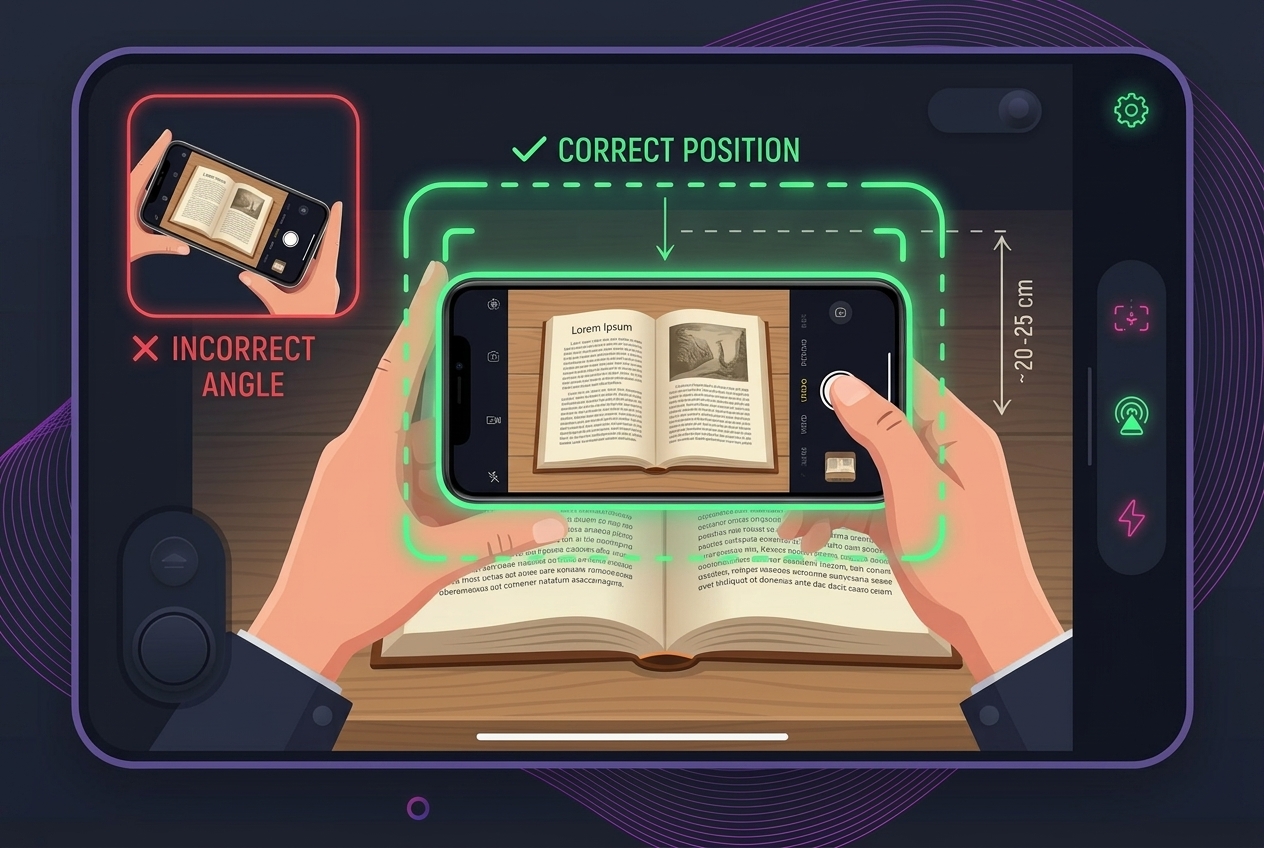
Lay the physical book open on a well-lit, uncluttered surface.
Turn your phone horizontally and position its camera flat above the book. Keep the complete open spread in view, including the page edges. An overhead stand makes this much easier by keeping the view steady and leaving both hands free to turn pages.
Listen and follow along. When the narration finishes, turn the physical page, lay it flat, and move your hands away from the text. BookSprite can scan automatically, or you can choose Manual mode and let your child start each scan with an optional “magic button” remote.
Reading controls
Automatic scanning keeps reading hands-free. Manual mode gives you several ways to decide exactly when the next page is ready.
Auto is selected when a reading session starts. After the narration finishes, turn the physical page and lay the new spread flat. BookSprite notices that the view has changed, then waits for the pages and camera to be still before scanning. You do not need to tap anything.
Keep the whole open book in view and move hands, sleeves, and other objects away from the text while the page settles.
Select MANUAL at the top of the reader. When narration finishes, turn the page and hold the new spread still. Then use any one of these controls:
The controls become ready after the previous narration has finished and the book is aligned in the camera view.
An optional Bluetooth camera remote lets your child decide when the next page is ready, without reaching for the phone. Turn the page, let it settle, then press the button to hear the next part of the story. It is a simple, hands-on alternative if automatic page-turn detection is not keeping up with your reader.
The remote is optional; you can always tap SCAN PAGE instead. Use a compatible camera remote that sends a camera or volume-button press to your phone.
View the magic button remote on Amazon →
As an Amazon Associate, BookSprite earns from qualifying purchases.
Voice control is available in MANUAL mode. Select MANUAL, check VOICE, and allow microphone and speech-recognition access if prompted. After the narration finishes, turn the page, hold it still, and say “OK” to scan.
BookSprite listens only while the reader is waiting for the next page. If voice recognition is unavailable, you can still tap SCAN PAGE or swipe in any direction.
Open Account, then choose Narration voice. Tap the play button beside a voice to preview it, then tap the voice you want. A checkmark shows your selection, and new narration will use the saved voice.
Yes. While narration is displayed, tap the current speed—such as 1×—beside the speaking status. Choose a speed from 0.5× to 2×. BookSprite remembers the speed on your device.
Optional hands-free setup
You can hold your phone yourself, but an overhead stand makes the camera easier to align and keeps both hands free for turning pages.
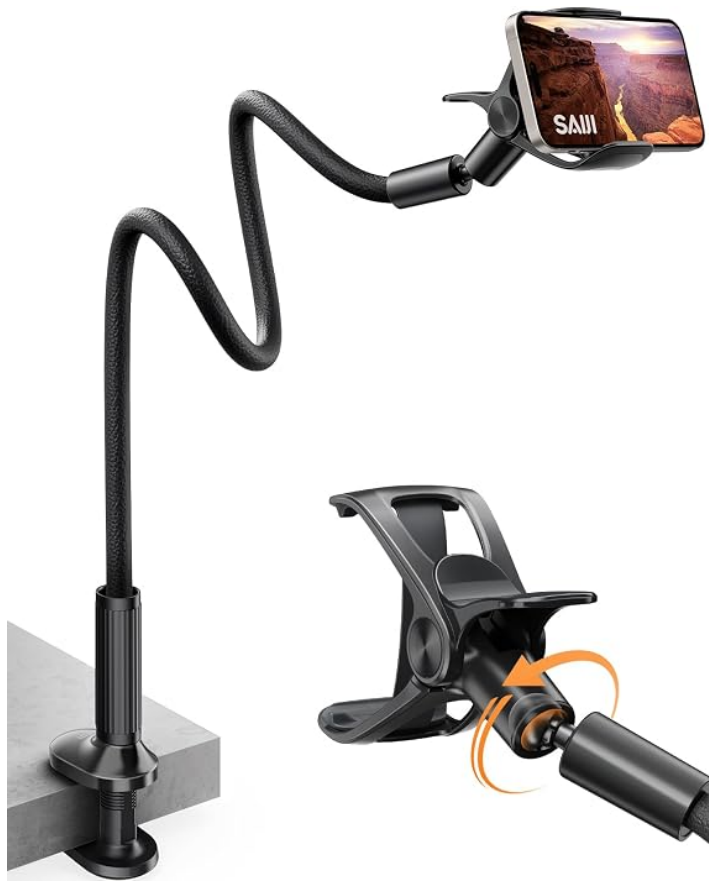
Our favorite - sturdy base clamps to a table and the bendable arm can be adjusted to your preference.
View on Amazon →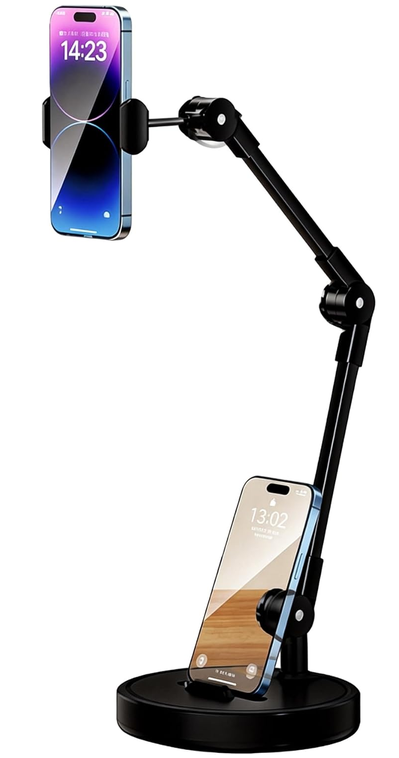
Weighted base with a dual-jointed arm. Compact and easy to move option for reading at a desk or table.
View on Amazon →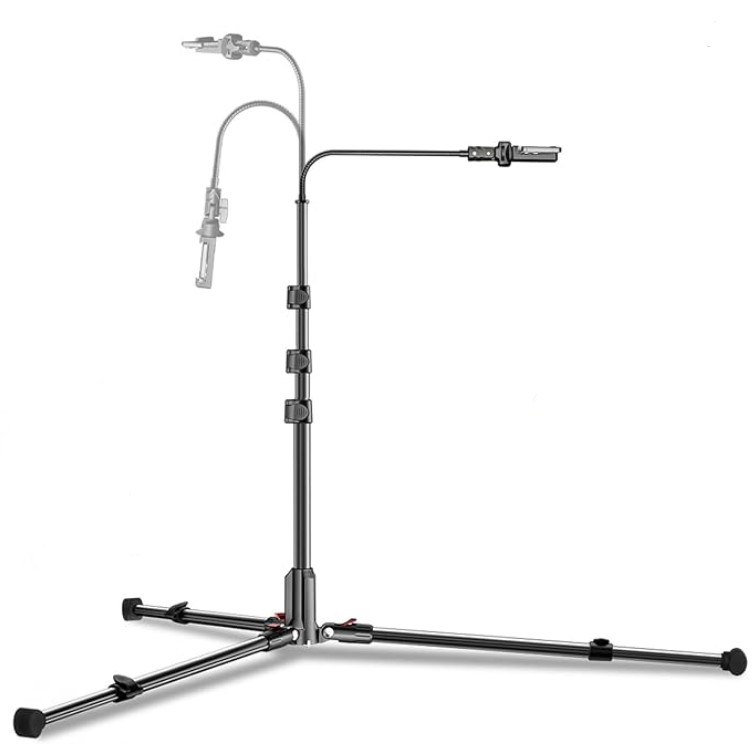
Telescoping floor tripod with a flexible gooseneck arm. Useful for reading on a couch.
View on Amazon →As an Amazon Associate, BookSprite earns from qualifying purchases.